Get started with our 7-day full-feature free trial. No credit card required. Works 100% offline on Windows.
Downloading and installing PDF Fusion Pro is quick and easy
Click the download button above to get the latest version of PDF Fusion Pro for Windows.
Double-click the downloaded file and follow the on-screen instructions to install the software.
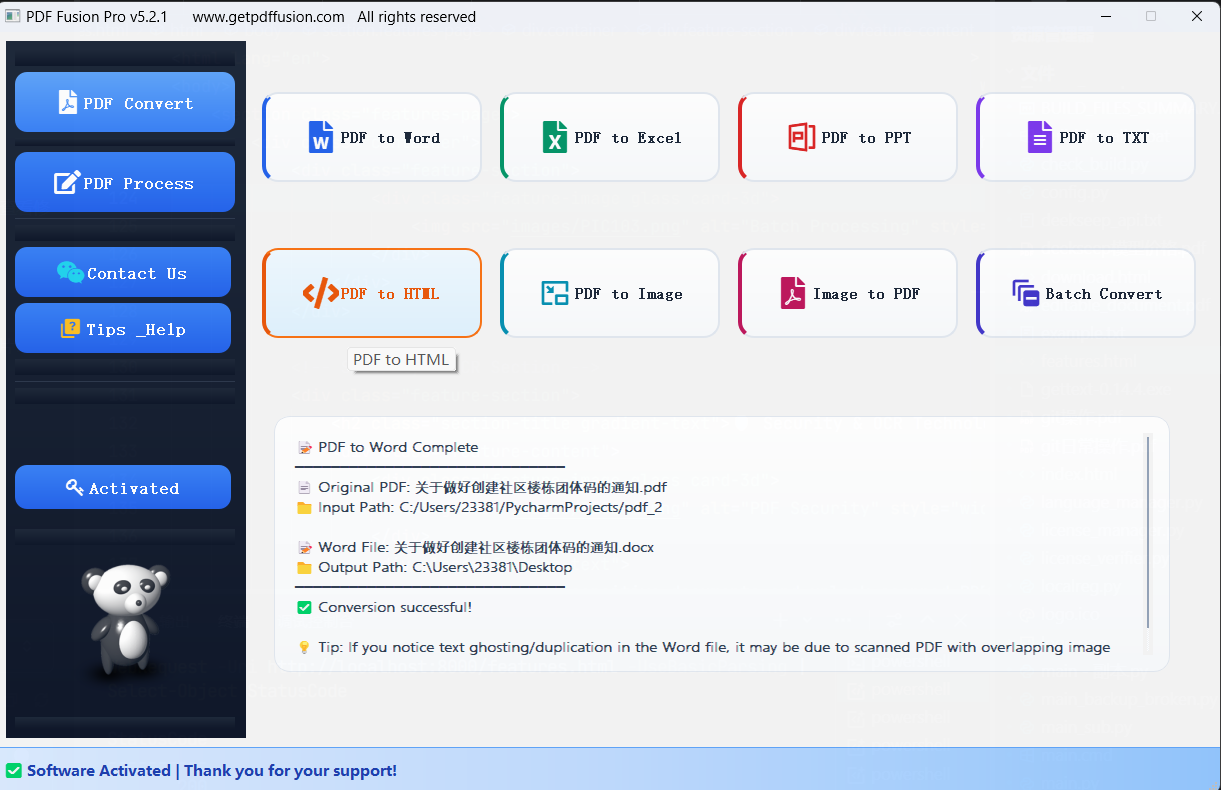
Launch PDF Fusion Pro and start exploring all its powerful features with your 7-day free trial.
Ensure your system meets the minimum requirements for optimal performance
Follow these step-by-step instructions to install PDF Fusion Pro
After downloading the installer, locate the file in your Downloads folder and double-click it to run. If you see a Windows SmartScreen warning, click "More info" and then "Run anyway" to continue.
Read the End User License Agreement carefully. If you agree to the terms, select "I accept the agreement" and click "Next" to continue.
Select the folder where you want to install PDF Fusion Pro. The default location is usually fine for most users. Click "Next" to continue.
Choose whether to create a desktop shortcut and add PDF Fusion Pro to your Start menu. Click "Next" to continue.
Review your installation settings. If everything looks correct, click "Install" to begin the installation process.
Wait for the installation to complete. Once finished, click "Finish" to launch PDF Fusion Pro.
How to activate your PDF Fusion Pro license
If you encounter any issues during activation, please contact our support team at support@getpdffusion.com. We're here to help!
For enterprise customers, please contact us for volume licensing options.
Download PDF Fusion Pro today and experience the difference for yourself
✅ No credit card required • ✅ 7-day full-feature trial • ✅ 30-day money-back guarantee